
Count words and characters
Journals often set word limits (English) or character limits (French humanities). Sarmate counts the words of the rendered text — ignoring LaTeX code and formulas — as well as the characters, with or without spaces.
Where to click
- In the toolbar, open the “Files” menu.
- Click “Word count”.
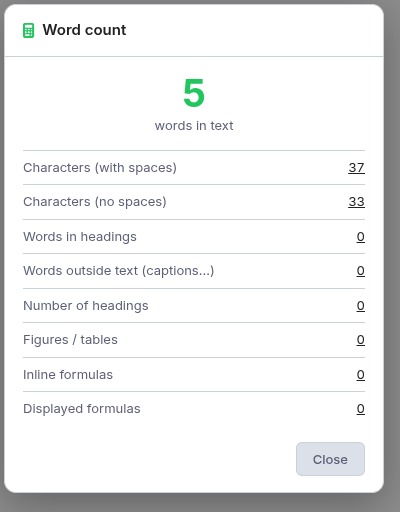
- A dialog shows the word count, the characters (with spaces) and (no spaces), plus words in headings, number of figures/tables and formulas.
Master document
If the open file is a sub-file linked to a master document, the count covers the whole document, not just the current chapter.