
Ce guide vous accompagne pas à pas dans la création de votre premier document LaTeX sur Sarmate.net. Aucune installation requise : tout se passe dans votre navigateur.
Qu'est-ce que LaTeX ?
LaTeX est un système de composition de documents utilisé par les scientifiques, chercheurs, étudiants et professionnels pour créer des documents de haute qualité typographique. Contrairement aux traitements de texte classiques, LaTeX sépare le contenu de la mise en forme, ce qui permet de se concentrer sur l'écriture.
Créer votre premier fichier .tex
Commençons par créer un nouveau fichier LaTeX sur Sarmate.net.
Accédez à votre espace
Connectez-vous à votre compte et ouvrez le Gestionnaire de fichiers.
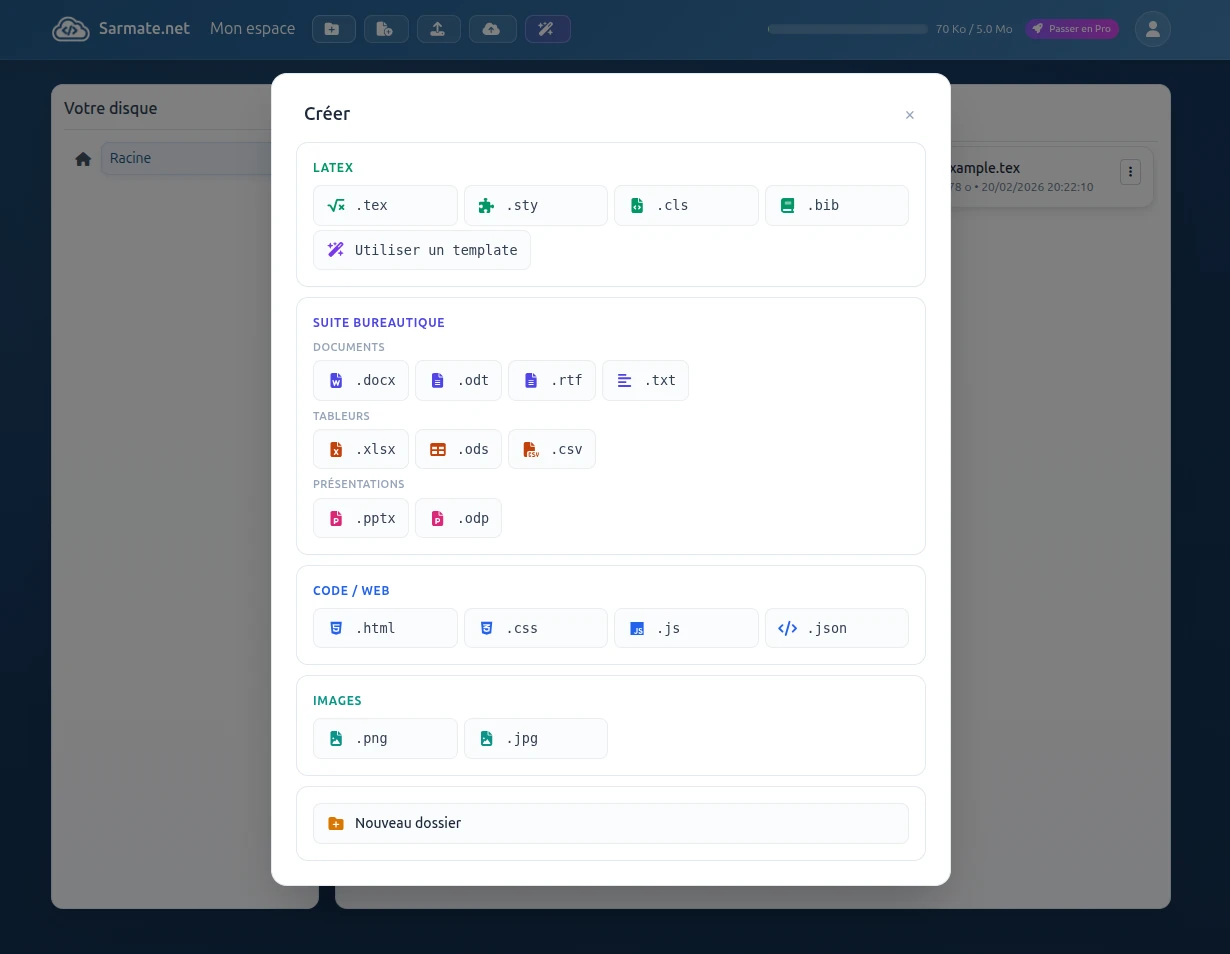
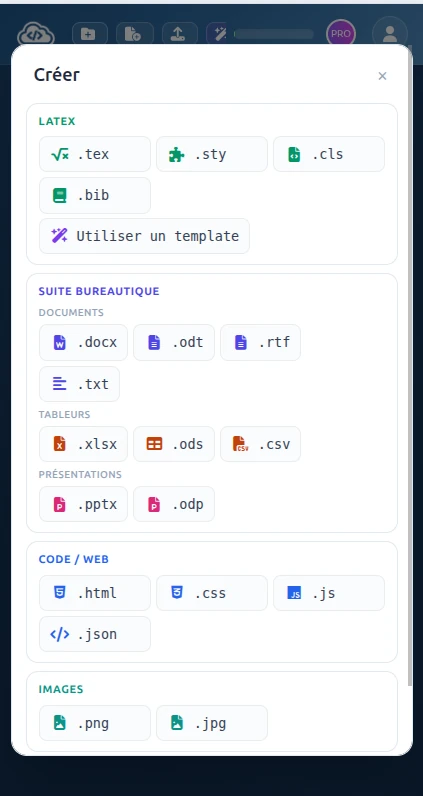
Créez un nouveau fichier
Cliquez sur Nouveau fichier et sélectionnez le type LaTeX (.tex).
Nommez votre fichier
Entrez un nom, par exemple mon-document.tex, puis cliquez sur Créer.
L'éditeur LaTeX
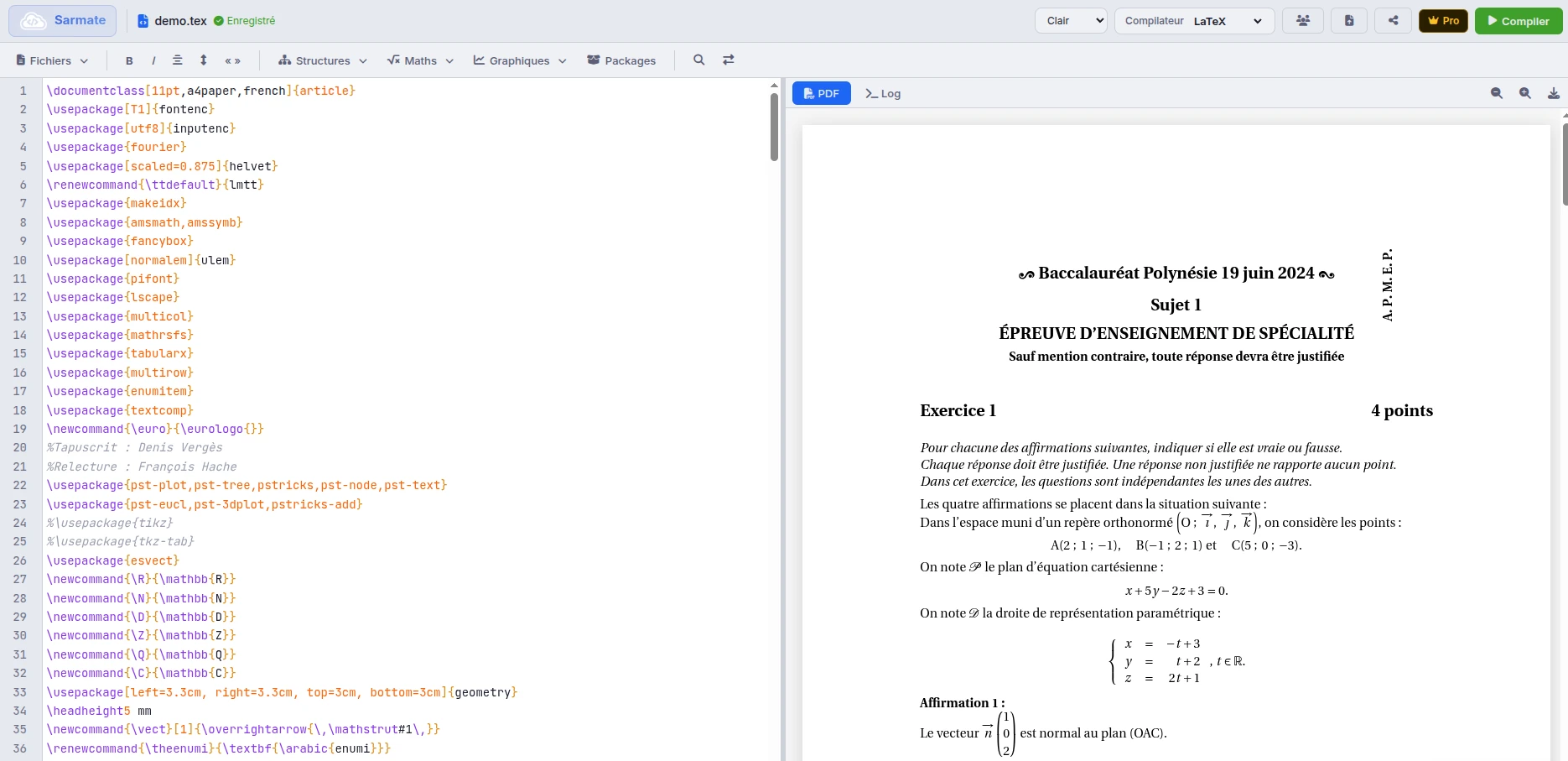
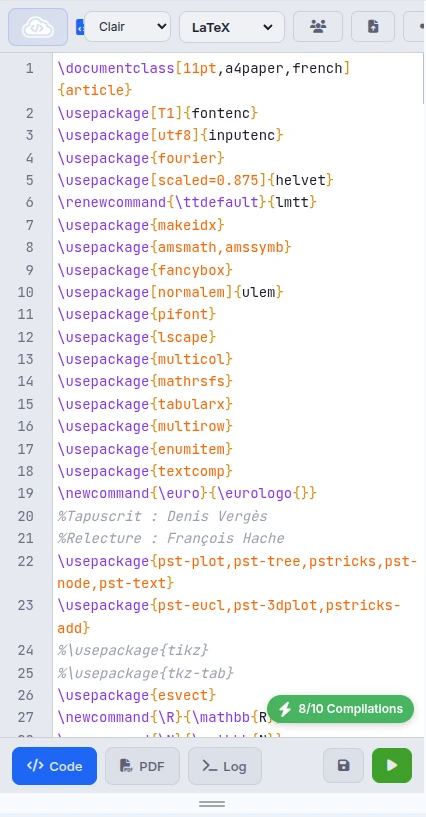
Cliquez sur votre fichier pour l'ouvrir dans l'éditeur LaTeX. L'interface est divisée en deux parties :
- À gauche : l'éditeur de code où vous écrivez votre document LaTeX
- À droite : l'aperçu PDF qui s'actualise après chaque compilation
Squelette d'un document LaTeX
Tout document LaTeX suit une structure de base. Voici un modèle minimal que vous pouvez copier-coller :
\documentclass[11pt]{article}
\usepackage[utf8]{inputenc}
\usepackage[T1]{fontenc}
\usepackage[french]{babel}

\title{Mon premier document LaTeX}
\author{Votre Nom}
\date{\today}

\begin{document}

\maketitle

\section{Introduction}
Bienvenue dans votre premier document LaTeX !
Ceci est un paragraphe. LaTeX gère automatiquement
les espaces et les retours à la ligne.
\section{Formule mathématique}
Voici l'équation d'Einstein : $E = mc^2$
\end{document}\documentclass définit le type de document. Utilisez article pour les articles courts, report pour les rapports, ou book pour les livres. Compiler en PDF
Une fois votre code écrit, il faut le compiler pour générer le PDF.
Sauvegardez votre fichier
Utilisez Ctrl + S (ou Cmd + S sur Mac).
Lancez la compilation
Cliquez sur le bouton Compiler ou utilisez Ctrl + Entrée.
Consultez le résultat
Le PDF apparaît dans le panneau de droite. Vous pouvez le télécharger ou le partager.
Choix du compilateur
Sarmate.net propose plusieurs compilateurs :
- pdfLaTeX : le plus courant, recommandé pour débuter
- XeLaTeX : supporte les polices système et Unicode
- LuaLaTeX : le plus moderne, avec scripting Lua intégré
Raccourcis clavier
Gagnez du temps avec ces raccourcis essentiels :
- Ctrl + S : Sauvegarder
- Ctrl + Entrée : Compiler
- Ctrl + Z : Annuler
- Ctrl + F : Rechercher
Et maintenant ?
Félicitations, vous avez créé votre premier document LaTeX ! Voici les prochaines étapes pour approfondir :
- Structurer un document : sections, chapitres, table des matières
- Écrire des formules : équations, matrices, symboles
- Insérer des images : figures, graphiques, légendes